4K Capture Card Application Guide: Medical Training Video Workflow
A 4K capture card is the component that turns a clinical video source into something a teaching platform can record, stream and archive. In a medical training workflow, the card sits between the camera or imaging processor and the software: the TC420 PTZ camera delivers the room view over HDMI or SDI, a TC-UB620 or TC-UB660 USB 4K capture card handles 4K60 capture with audio mixing, or a TC-200N9 SDI capture and playback card handles sites that already run SDI, and OBS records or streams the result. The TCHD-840 Pro live stream switcher is added when a session carries more than one source.
This guide is written for the people who actually deploy these rooms — simulation lab managers, teaching-hospital AV teams, medical device distributors and integrators who have already chosen a capture approach and now need a workflow that survives contact with a real clinical environment. It concentrates on execution decisions: source mapping, transport selection, audio, software configuration, and the long-term support terms that determine whether the room is still working in year three.
Problem Definition: Why Clinical Video Rarely Reaches the Classroom
Hospital video is captured for two different audiences at once, and the conflict between them is the root cause of most failed medical training deployments. The clinician needs a diagnostic-quality image on a monitor inside the room. The trainee needs context, synchronised audio and a recording that can be reviewed later. A capture card is the only place where both requirements meet.
- The clinical source is not a camera. Endoscope processors, ultrasound carts and surgical microscopes output video for a local display, not for a recorder. There is no scene, no framing and often no audio on that signal.
- The teaching audience needs more than one view. Trainees need the room view, the operator's hands, the imaging feed and the narration simultaneously, which means the workflow has to handle multiple sources rather than a single programme feed.
- Hospital IT will not accept driver installations. A capture device that requires an administrator install on a clinical workstation becomes a procurement problem before it becomes a technical one. This is why UVC and UAC matter: the UVC (USB Video Class) standard allows capture cards to function as plug-and-play webcams without proprietary drivers, and UAC applies the same logic to audio.
- The bandwidth does not exist by default. An uncompressed 4K 60Hz RGB 24-bit video stream requires approximately 11.94 Gbps, which exceeds the 5 Gbps limit of USB 3.0. Every 4K medical training workflow is therefore a compression decision, not just a cable decision.
- The room must keep running. A simulation lab is booked like an operating theatre. Firmware updates, spare-part continuity and a supplier who still answers in year three matter more than the specification sheet in week one.
Industry Background: The Medical Segment Inside the Capture Card Market
Medical video is a small but structurally important slice of the capture card market, and the published segmentation explains why vendors now design for it explicitly. According to Dataintelo's capture card research, the global capture card market was valued at USD 1.31 billion in 2024 and is projected to reach USD 3.37 billion by 2033 at a CAGR of 12.4%.
The application split is more informative than the headline total. Gaming led the video capture card market with a 31.2% share of total revenue in 2025 — the volume driver that sets price expectations across the category. Medical imaging and industrial application segments together account for 19.4% of total video capture card revenues, with a segment CAGR of 11.8% through 2034. That growth rate sits close to the overall market rate, which means medical capture is not a niche shrinking relative to consumer gaming; it is holding its share while the whole category expands.
Product structure points the same way. USB capture cards held the largest product type share at 38.4% in 2025, which matches what teaching hospitals actually deploy: a bus-powered or adapter-powered box that appears to the host computer as a standard camera. That is the practical reason a USB-first build is the default starting point for a training room, with SDI added where the site's existing infrastructure demands it.
A note on the market numbers. Dataintelo reports different total market values across different report editions, so treat absolute totals as directional and the segment ratios as the more reliable signal. For procurement purposes, the customs classification is often more concrete than the market forecast: TCHD products are classified under HS Code 8471.80 (automatic data processing units) and 8525.80 (television/digital cameras), which is the line item importers and hospital procurement teams will see on documentation.
Detailed Solution: A Four-Layer Medical Training Capture Architecture
A medical training workflow is not one device and not one purchase. It is four layers, and each layer should be selected against a different requirement. Mixing the layers — for example, buying a switcher to solve a capture-card problem — is the most common source of budget waste in these projects.
Layer 1 — Capture the room: TC420 PTZ camera
The TC420 PTZ camera is the room-view source. It uses a 1/2.8-inch 8.42 million pixel image sensor, with a maximum resolution of 3840x2160 and an output frame rate of up to 60 frames per second. It offers multiple video output interfaces — HDMI, SDI, USB and wired LAN with optional POE+ — and SDI supports 100-metre transmission in 1080P60 format. The lens provides 12X optical zoom.
Three of those facts decide the room layout. The 100-metre SDI run allows the camera to sit inside the procedure room while the control position and the operator sit outside the sterile zone. The 12X optical zoom allows the field to be framed from a fixed mounting point, so nobody has to reposition hardware mid-session. The LAN interface is a 10M/100M/1000M adaptive Ethernet port that supports POE power supply and audio and video output, which reduces the number of separate power outlets required near the ceiling mount.
Layer 2 — Convert the signal: USB capture card or SDI capture and playback card
The conversion layer is where the workflow either becomes simple or becomes fragile. TCHD offers two routes, and they are not interchangeable in every room.
USB route — TC-UB620 and TC-UB660. These are USB 4K capture cards built for 4K60 capture with audio mixing. Because they communicate over UVC (video) and UAC (audio), they present themselves to OBS or any other host application as a standard camera plus a standard audio device, with no proprietary driver installation. The USB 3.0 video compression formats supported on this platform are MJPG, H264, YUY2 and NV12, and the audio compression formats are AAC, MP3 and G.711A.
SDI route — TC-200N9. This is an SDI capture and playback card, intended for SDI workflows. It is the correct choice when the imaging processor or the room's wall plate already outputs SDI, when the cable run is long, or when the room needs a return signal to a monitor — the playback path is what distinguishes it from a pure capture device.
The decision rule is short. If the source is a camera a few metres from the PC and the software runs on a standard workstation, use the USB card. If the run is long, the source is SDI, or the room already has SDI infrastructure installed, use the TC-200N9 rather than adding converters to force a USB path.
Layer 3 — Orchestrate the session: TCHD-840 Pro live stream switcher
Once a session carries a room camera, an imaging feed and a slide or presenter PC, switching becomes the bottleneck rather than capture. The TCHD-840 Pro live stream switcher handles multi-source sessions before the signal reaches the capture card. Switching upstream keeps the recorded programme clean and reduces the number of simultaneous capture channels the host computer has to manage — which matters on the clinical workstations that training rooms are usually given.
Layer 4 — Record and archive: medical video recorders and surgical teaching hosts
TCHD's hardware line includes medical video recorders and surgical teaching hosts alongside recording hosts, guide stations, encoders, converters, virtual studio all-in-one machines, SDVOE codecs, 10G switches, live lighting and multi-card aggregation routers. For a training department, that breadth means the recording and archiving layer can come from the same supplier as the capture layer, which simplifies both integration and long-term spares.
Format settings that decide image quality and stability
Because uncompressed 4K60 RGB exceeds USB 3.0 bandwidth by a wide margin, the format selected in the host software is a real engineering choice rather than a preference. The table below maps the formats that the platform exposes to the situations where each one is appropriate.
| Format | Where it appears | Behaviour in a medical training workflow |
|---|---|---|
| MJPG | USB 3.0 video | Compressed per frame; useful when the host computer is modest and the priority is a stable 4K feed for the room view rather than pixel-exact imaging. |
| H264 | USB 3.0 video | Compressed; reduces bus load and storage per recorded hour, at the cost of additional encode load on the device. |
| YUY2 | USB 3.0 video | Uncompressed; highest fidelity of the USB options and the most bandwidth-hungry, so it is best reserved for single-source archives. |
| NV12 | USB 3.0 video | Uncompressed, chroma-subsampled; a practical middle ground when the host software handles NV12 natively. |
| H.264 / H.265 | LAN output | Network video compression for IP distribution; useful when the camera feed must reach a viewing room or a recording server over the hospital network. |
| AAC / MP3 / G.711A | Audio | Audio compression options for narration; G.711A is the option to check when the receiving system is a telephony or conferencing platform. |
Step-by-Step Breakdown: Deploying the Workflow
Step 1 — Map every clinical source before buying anything
List each source with its physical output. A typical simulation room has an endoscope or procedure camera with SDI or HDMI, a room PTZ camera, a presenter PC and a separate audio feed from the operator's headset or a ceiling microphone. Write down resolution, frame rate and connector for each one. The capture card choice follows from this list; it cannot be made before it.
Step 2 — Assign one transport per source
Send long runs and imaging processors to the SDI path (TC-200N9). Send the room camera and short, flexible runs to the USB path (TC-UB620 or TC-UB660). Do not mix the two on one card unless the card supports both; the UVC/UAC plug-and-play benefit disappears the moment a converter is inserted into the chain.
Step 3 — Fix the camera and its control path
Mount the TC420 so the 12X optical zoom can cover the full procedure field from a single position. Control is available through RS232-IN, RS232-OUT and RS422 (compatible with RS485), using VISCA, Pelco-D or Pelco-P protocols at baud rates of 115200, 38400, 9600, 4800 or 2400. Where the control position is not physically wired to the camera, VISCA OVER IP and IP VISCA are available over the network, which is usually the cleaner option in a room that is already cabled for LAN.
Step 4 — Solve audio at the source, not in software
The camera provides a dual-track 3.5mm linear audio input, and audio output is available through HDMI, SDI, LAN and USB3.0. Take the operator's narration into that input rather than relying on a laptop microphone, because the narration has to travel with the video through whichever transport was chosen in Step 2. If the receiving platform is a conferencing system, check whether it expects G.711A; if it is a recording host, AAC or MP3 is normally the simpler match.
Step 5 — Configure OBS against the real device list
With the USB card connected, OBS should show a UVC video device and a UAC audio device without any driver installation. Set the video capture source to 3840x2160 and the frame rate the room can actually sustain, choose the compression format from the table above, and add the imaging feed as a second source. Build one scene for the teaching view — picture-in-picture of the imaging feed over the room camera — and a second scene for the wide room view used during debriefs. Record to the format the archive team can accept, and only then add the streaming output.
Step 6 — Budget power and cable before the ceiling is closed
The camera's input voltage is DC12V ±10%, input current is less than 1A, and power consumption is less than 12W, with a power adapter converting AC110V to AC220V into DC12V/2.5A. A load that small can sit on a modest uninterruptible supply, which is worth arranging in a room where an unexpected shutdown mid-procedure is unacceptable. Confirm the PoE capability of the network port at the same time, since the LAN interface supports POE power supply and audio and video output.
Step 7 — Lock the room and plan for maintenance
Before the first teaching session, rehearse a full record-and-review cycle: power-up order, source selection, audio level, recording start, and the export path the education team will use. The platform supports RTSP, RTMP, ONVIF, GB/T28181, VISCA OVER IP, IP VISCA, RTMPS and SRT, together with remote upgrade, remote reboot and remote reset. That last group is the operational insurance policy: a simulation lab spread across several rooms can be maintained by one technician without physically visiting each ceiling mount.
Use Cases
Laparoscopic and endoscopic teaching
The imaging processor feeds the TC-200N9 over SDI while the TC420 covers the room. The result is a single recording where trainees see both the imaging view and the operator's technique, with narration carried on the 3.5mm input.
Dual-channel medical recording
Where the education team wants the imaging feed and the room view preserved as separate assets rather than a switched programme, both are captured as independent sources and archived side by side. This is the configuration that most benefits from a UVC capture card, because the second channel can be added to an existing workstation without a driver rollout.
Telemedicine consultation
A consultation between a remote specialist and a bedside team needs a stable, low-latency feed and clear audio more than it needs high bitrate. The camera's HDMI, SDI, LAN and USB3.0 outputs allow the same device to serve the local monitor and the remote session at once, and the RTMP, RTMPS and SRT support covers the common streaming endpoints.
Simulation debrief and lecture recording
Simulation debriefs depend on replaying the session immediately after it ends. A USB capture card feeding OBS records directly to the debrief room's workstation, so the file is available without a transfer step. The same build serves lecture capture and remote education when the room doubles as a teaching space.
Multi-room teaching hospital broadcast
When several rooms must contribute to one teaching session, the TCHD-840 Pro switcher selects between them before capture, and the LAN output carries the selected feed over the hospital network to viewing rooms and recording servers.
Comparison Table: Choosing the Right Device for Each Layer
The table below compares the devices in this workflow using only the facts published for each product line. It is a role comparison, not a ranking: the correct device depends on the source and the room, not on a general order of preference.
| Device | Role in the workflow | Verified characteristics | Choose it when |
|---|---|---|---|
| TC420 PTZ camera | Room and procedure view capture | 1/2.8-inch 8.42MP sensor; up to 3840x2160 at 60 fps; HDMI, SDI, USB, wired LAN with optional POE+; SDI 100 m at 1080P60; 12X optical zoom; RS232/RS422 control with VISCA, Pelco-D and Pelco-P; DC12V, under 12W | The trainee needs a framed, controllable view of the procedure from outside the sterile field |
| TC-UB620 / TC-UB660 USB 4K capture card | Conversion and audio mixing for USB workflows | USB 4K capture with 4K60 capture and audio mixing; UVC and UAC plug-and-play, no proprietary driver; USB 3.0 formats MJPG, H264, YUY2, NV12; audio AAC, MP3, G.711A | The host is a standard clinical or education workstation and the source is within normal cable distance |
| TC-200N9 SDI capture and playback card | Conversion for SDI workflows, with return signal | SDI capture and playback | The imaging processor outputs SDI, the cable run is long, or a monitor needs a return feed |
| TCHD-840 Pro live stream switcher | Multi-source orchestration before capture | Handles multi-source sessions | A session combines camera, imaging and presenter sources and needs live switching |
Frequently Asked Questions
Does a medical training 4K capture card need a driver installed on the hospital PC?
It should not. UVC (USB Video Class) allows a capture card to function as a plug-and-play webcam without proprietary drivers, and UAC does the same for audio, so a UVC/UAC capture card such as the TC-UB620 or TC-UB660 appears in OBS or any other host application as a standard camera plus a standard audio device. For procurement documentation, TCHD products are classified under HS Code 8471.80 and 8525.80, which is the classification importers and hospital purchasing departments should expect to see on shipping paperwork.
Can one setup capture the procedure camera and the endoscope feed in the same session?
Yes, and the two signals normally take different routes. The endoscope or imaging processor is captured through the TC-200N9 SDI capture and playback card, while the room view comes from the TC420 PTZ camera through a TC-UB620 or TC-UB660 USB capture card. Both appear as independent sources in OBS, so the teaching team can build a picture-in-picture scene for live viewing and still keep the two recordings separate for later review. Where the session has more than two sources, the TCHD-840 Pro live stream switcher selects between them before the capture stage.
What drives the cost of a medical training capture setup?
Cost is set mainly by the number and type of sources, not by the capture card alone. An SDI workflow needs the TC-200N9 or an SDI-capable room infrastructure, while a single-camera USB workflow needs only a USB card and a workstation. Multi-source sessions add a switcher, and long-term archiving adds a recording host or medical video recorder. Frame the comparison against the alternative the room would otherwise use: TCHD's own comparison of its PTZ camera against a traditional camera setup in the same role cites a 15% lower cost, less maintenance and higher efficiency, which is the relevant baseline when a fixed camera plus operator is being considered instead.
Can we validate a capture card on a real procedure before committing to a full rollout?
Yes. Validation should be done against the actual source, because an endoscope processor and a PTZ camera stress the capture chain differently — one tests SDI handling and colour fidelity, the other tests 4K60 stability and audio synchronisation. Request a sample or quotation with the source list from Step 1 attached, run the OBS configuration described above in the real room, and confirm the recorded file format with the education team before the hardware order is finalised.
How do we secure long-term firmware support and spare-part continuity for a 4K capture card deployment?
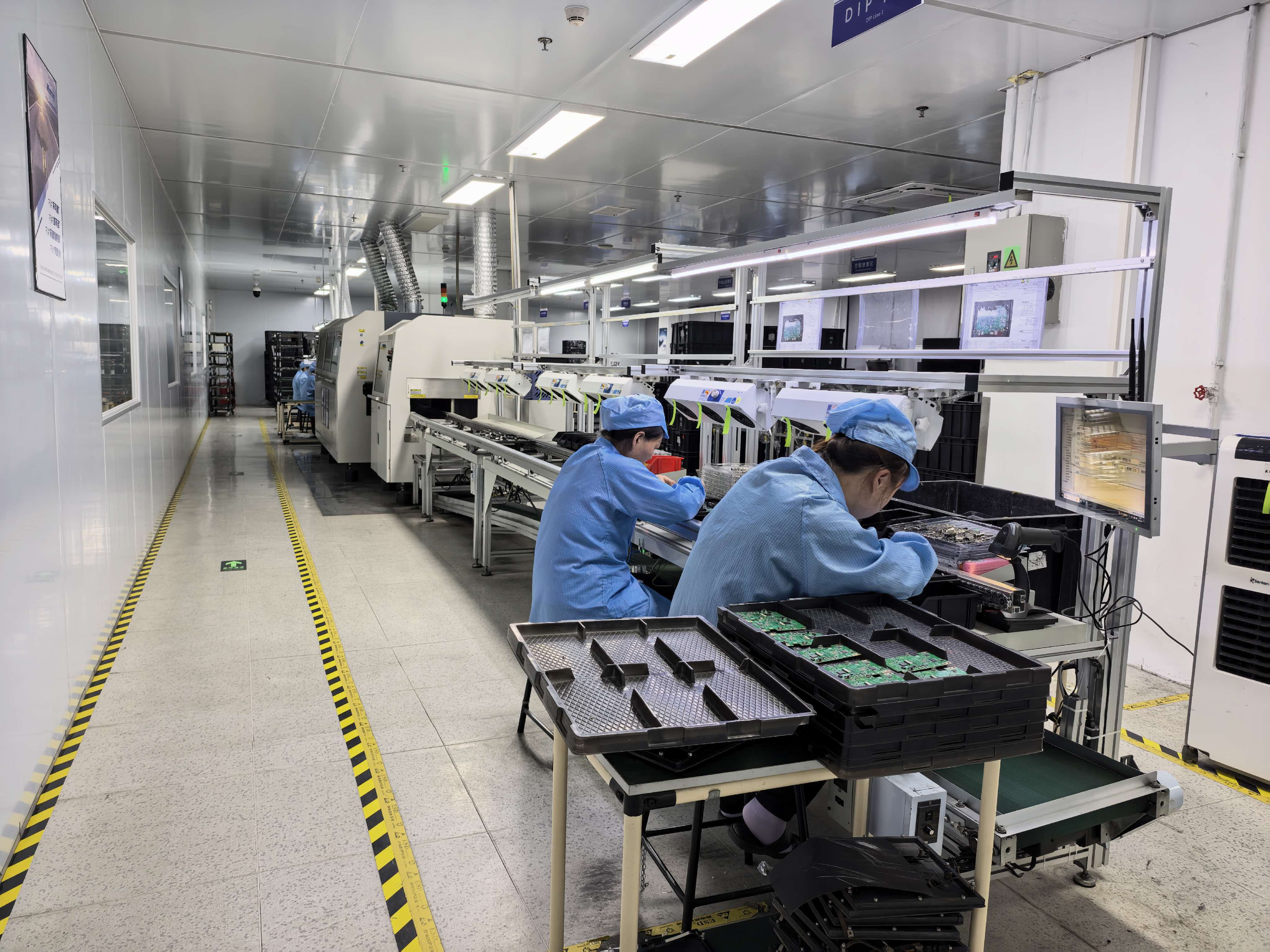
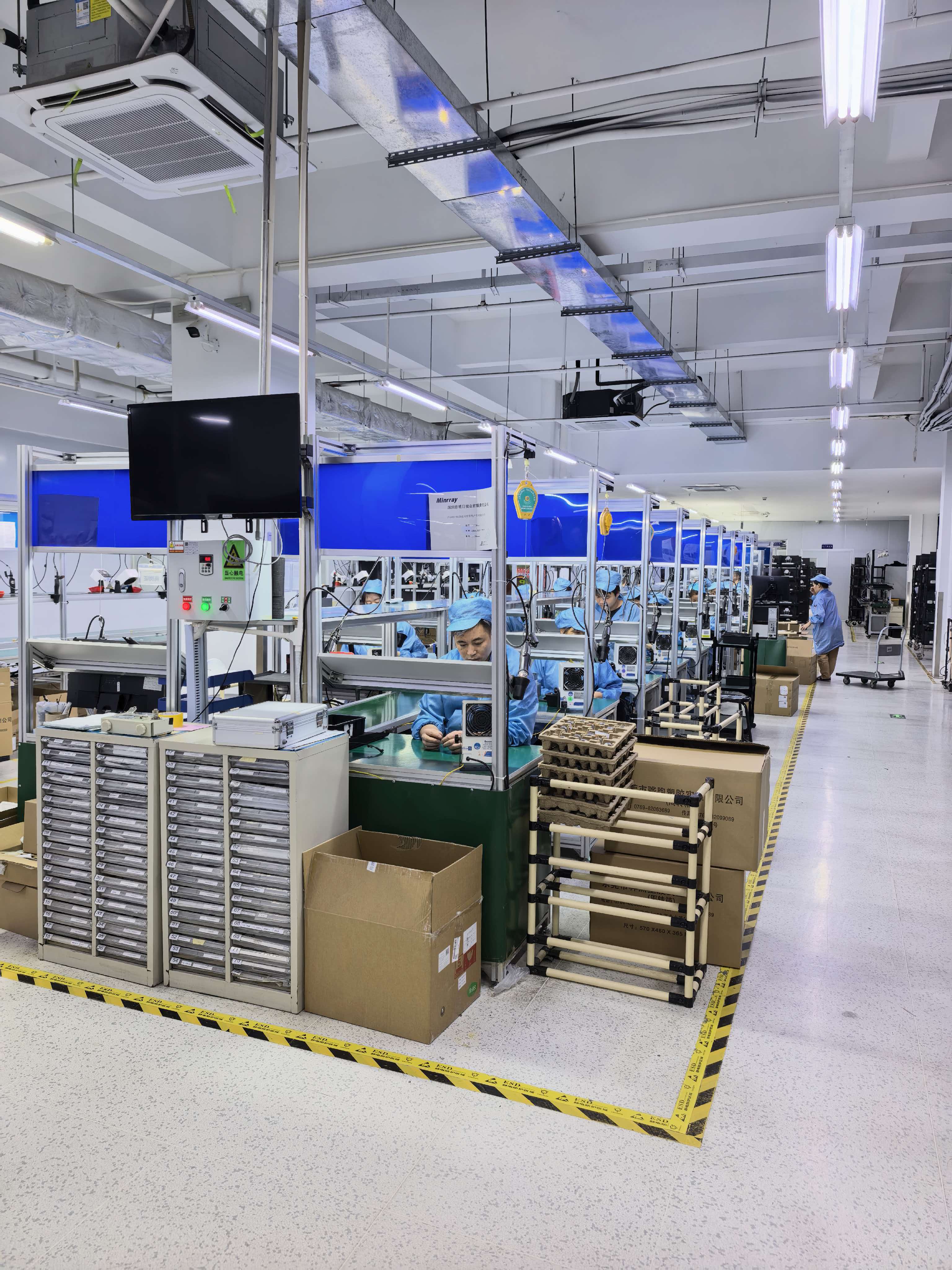
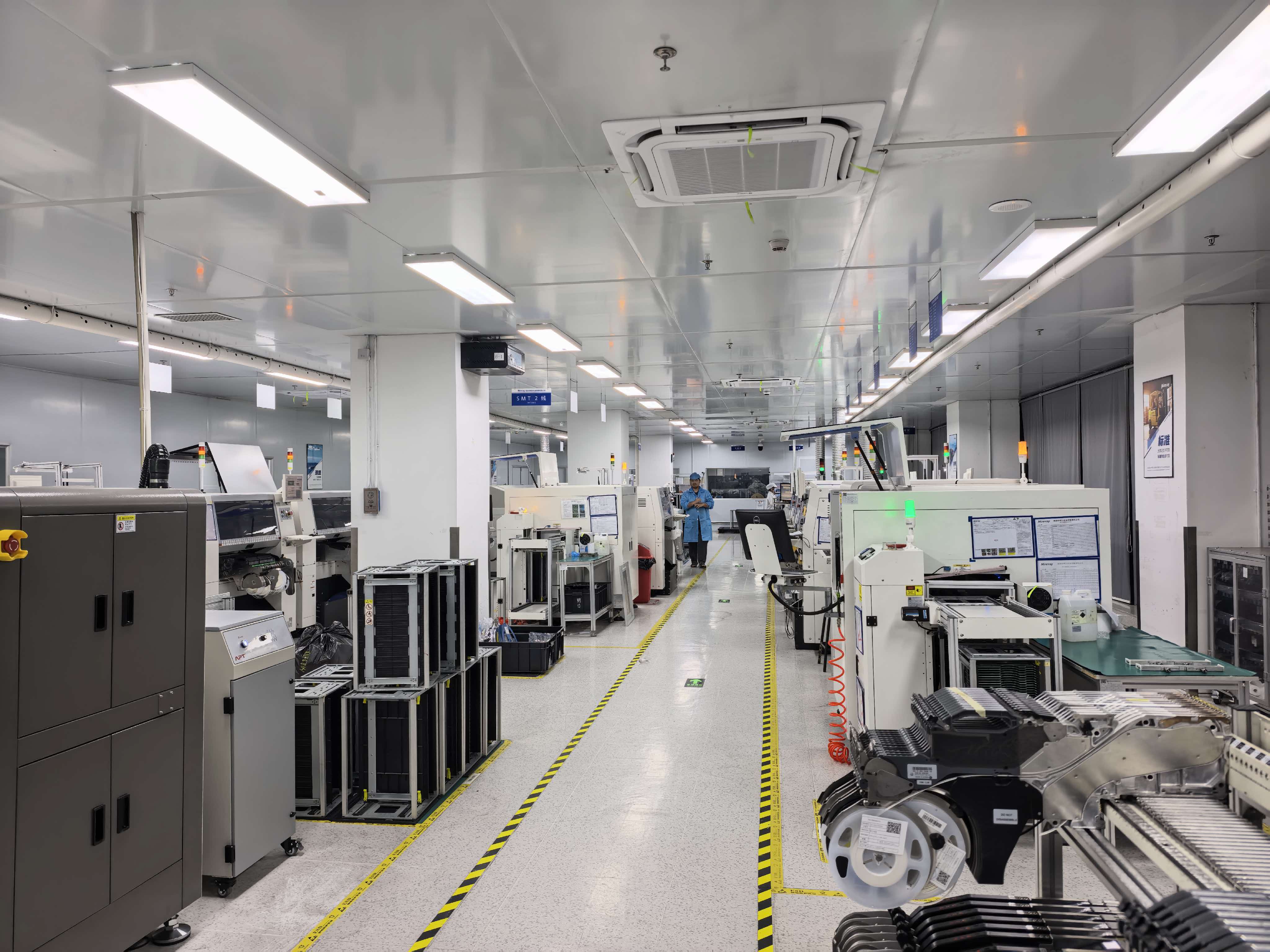
Look for three things: a platform that can be serviced remotely, a supplier with a product line wide enough to cover the whole workflow, and evidence of longevity. On the first point, the camera platform supports remote upgrade, remote reboot and remote reset, so firmware maintenance does not require a site visit to every ceiling mount. On the second, TCHD Video — TCHD Digital Video Technology Development (Beijing) Ltd, established in 2005 — supplies high-definition video capture cards, live streaming cameras, guide stations, encoders, converters, recording hosts, virtual studio all-in-one machines, medical video recorders, SDVOE codecs, 10G switches, live lighting, multi-card aggregation routers and surgical teaching hosts, plus system solutions for virtual studios, guide recording, online live streaming, educational MOOCs, hard disk broadcasting, media asset management, educational recording systems, conference live streaming equipment, outdoor live streaming equipment and streaming media servers. On the third, the company operates a 10,000 m² facility with 50 employees, a 10-engineer R&D team and an annual output of 4,000 units, exporting around 20% of output to the EU, USA and Asia, and it customises video software and hardware products according to customer requirements — a practical route to spare-part continuity when a room is configured in a non-standard way.
Conclusion: Design the Capture Layer for the Third Year, Not the First Week
The technical core of a medical training video workflow is small: a camera that produces a controllable 4K view, a capture card that presents that view to software without a driver, and a software configuration that records it in a format the education team can use. The TC420, the TC-UB620/TC-UB660 or TC-200N9, and OBS cover that core. The TCHD-840 Pro and the recording hosts extend it to multi-source sessions and archiving.
What separates a working room from a failed project is rarely the specification. It is whether the source list was mapped before the purchase, whether the transport matched the cable run, whether audio was taken at the source, and whether the supplier can still support the platform when the equipment is three years old. The published market data supports the direction — medical and industrial capture represents 19.4% of video capture card revenue with a segment CAGR of 11.8% through 2034 — but the operational decision is made one room at a time, against one source list.
Next Step: Validate the Workflow Against Your Own Source List
Send the source list from Step 1 — connector, resolution and cable distance for each clinical source — and TCHD Video will confirm whether the USB path (TC-UB620 or TC-UB660) or the SDI path (TC-200N9) fits, and whether the TCHD-840 Pro is needed for the session count.
Sample requests, quotations and distributor enquiries: WhatsApp +86 194 9887 2019 · Email tomzhang@tchdvideo.com · Tel +86-13910334207 · www.tchdvideohk.com
Download the full product catalogue before specifying the room: TCHD Product Catalog 2025 (PDF).
TCHD Digital Video Technology Development (Beijing) Ltd · Room#411, Building#1, Yard#9, Lianqiao 2nd street, Haidian district, Beijing, China
Have Questions or Need More Details?
Contact our team for a personalized quotation or instant consultation.
Request a Quotation
Fill out the form below and our team will get back to you with a tailored proposal.
WhatsApp Direct Chat
Prefer to chat in real-time? Message us on WhatsApp for instant assistance & quick answers.
- Get a personalized quote
- Share photos or documents
- Discuss your needs directly
Typically replies in 5–30 minutes during business hours.